Chrome

Chrome

Google Chromeで不要な自動入力候補を削除する方法

Windows

パソコンで全画面表示・解除のショートカットキーの紹介【Windows】

Google

【Google Chrome】検索履歴(最近閉じたタブ)を簡単に削除する方法!Windows/Mac

スポンサーリンク
Chrome

【Google Chrome】起動画面に履歴アイコンを表示させない方法/Android

Chrome

開いているタブをキーボードで閉じる/開く・ショートカットキー操作

Chrome

【Google Chrome】シークレットモードで起動する方法

Chrome

【Google Chrome】シークレットモードでも拡張機能を使う方法

Chrome

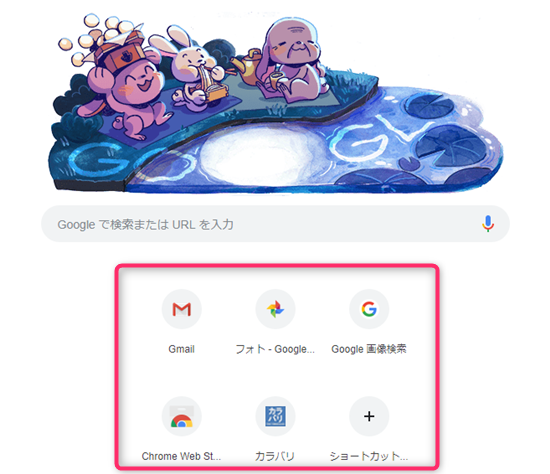
【Google Chrome】トップページの閲覧履歴のファビコン(ショートカットアイコン)の消し方

Chrome

【Google Chrome】トップページの閲覧履歴のファビコンをサムネイル表示に戻す方法

Google

IEでしか使えないサイトをGoogle Chromeで表示する拡張機能 【IE Tab】

スポンサーリンク

This website stores cookies on your computer. These cookies are used to provide a more personalized experience and to track your whereabouts around our website in compliance with the European General Data Protection Regulation. If you decide to to opt-out of any future tracking, a cookie will be setup in your browser to remember this choice for one year.

Accept or Deny